

Key Takeaways
- A galaxy projector is not the activity itself — it creates the visual setting that helps kids imagine, tell stories, draw, read, and play without a screen.
- The best galaxy projector activities for kids are simple: space adventures, invented planets, bedtime storytelling, story circles, and drawing prompts all work with very little preparation.
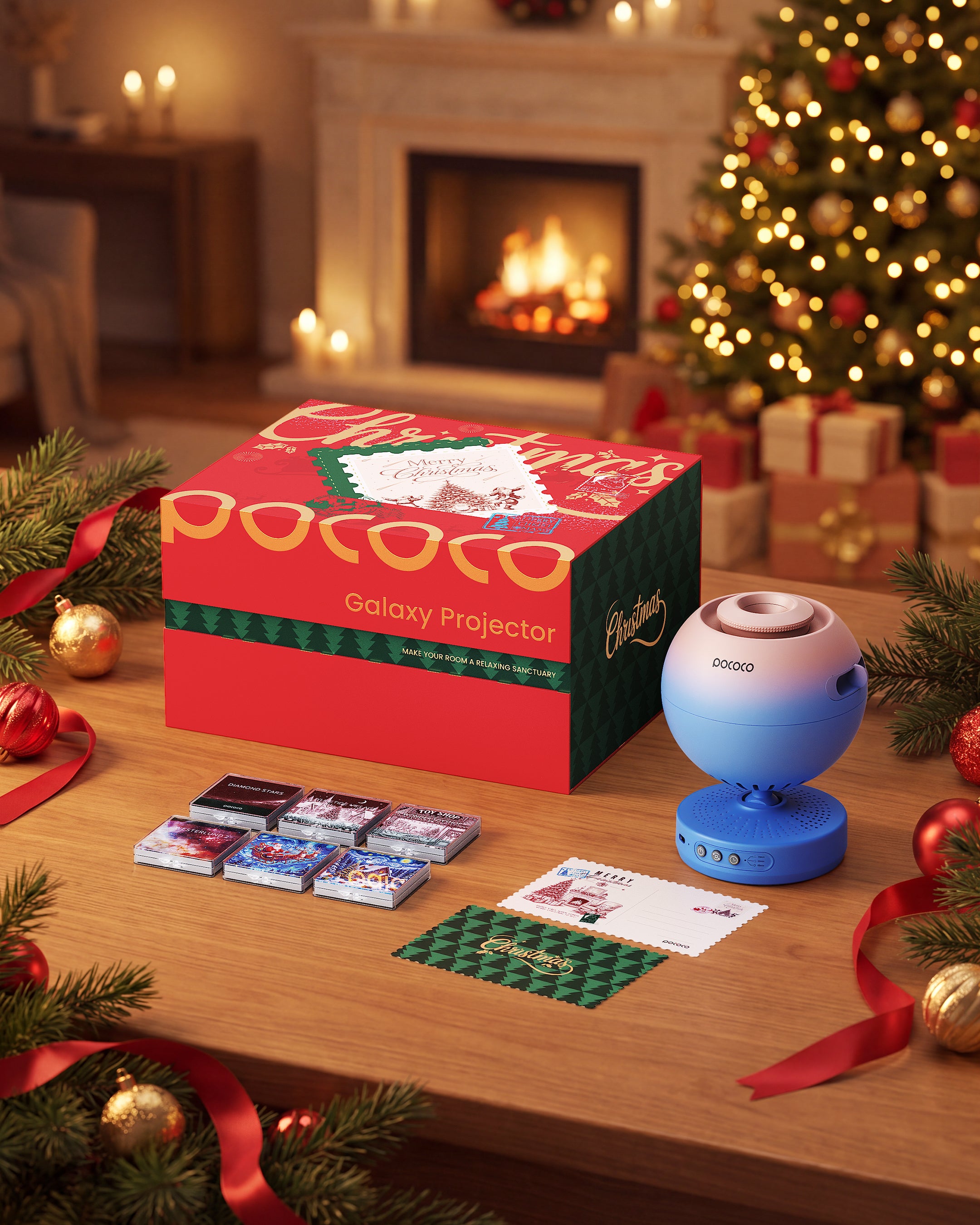
- A home planetarium projector like the POCOCO Galaxy Projector can become part of family storytime when you adjust the disc, brightness, rotation, and timer to fit the moment.
When kids are at home, screens can quickly become the easiest answer. A tablet, phone, or TV keeps them occupied, but many parents still want more screen-free activities for kids that feel engaging without requiring a full craft closet or complicated setup.
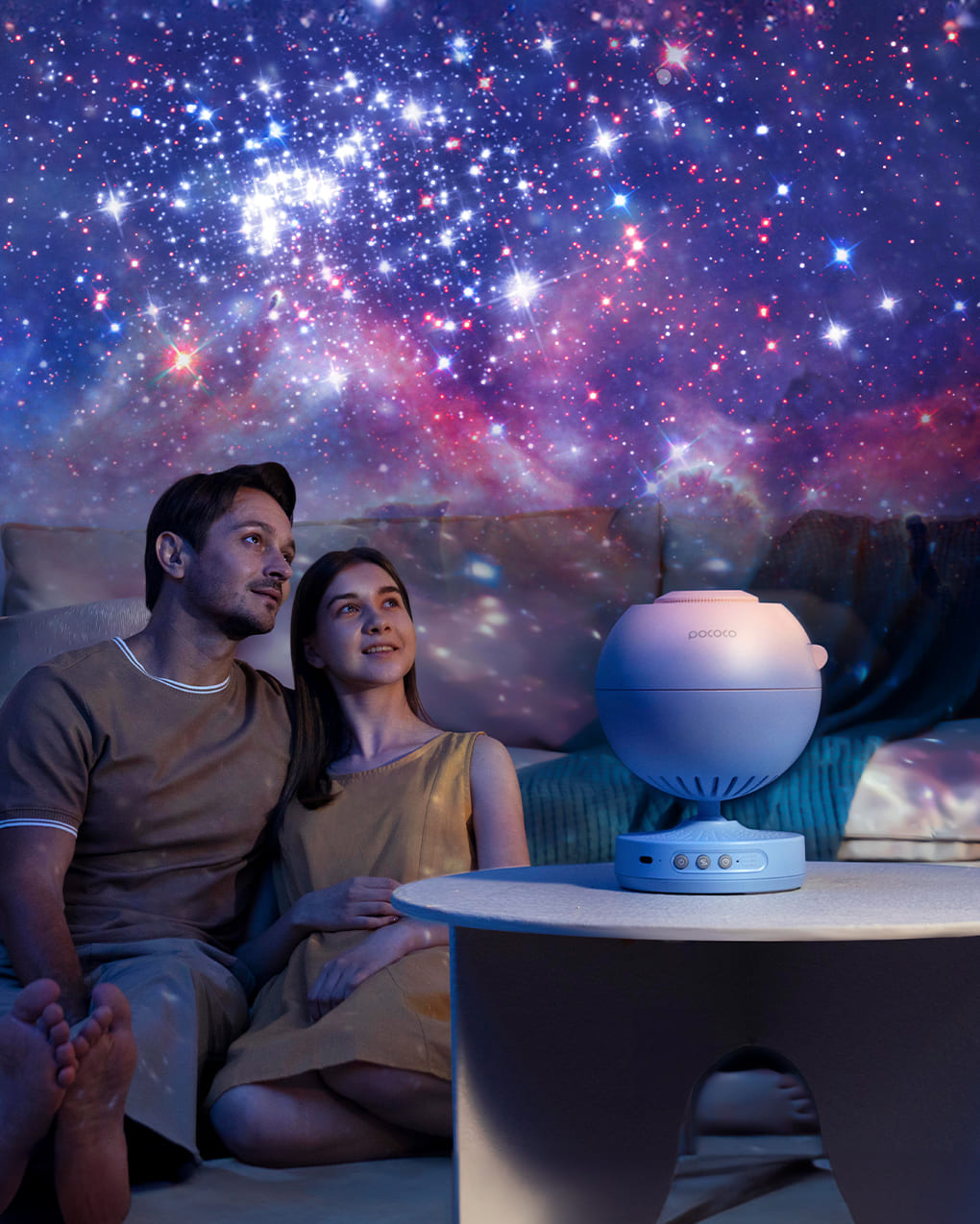
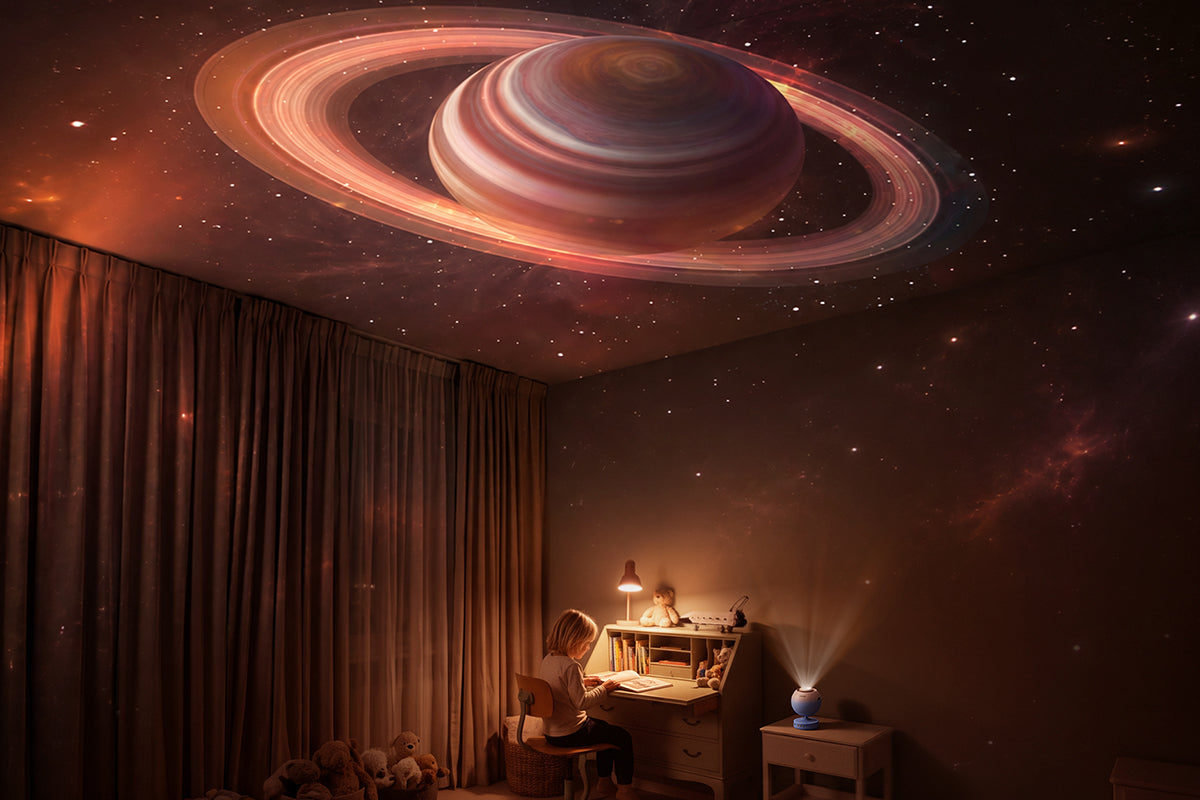
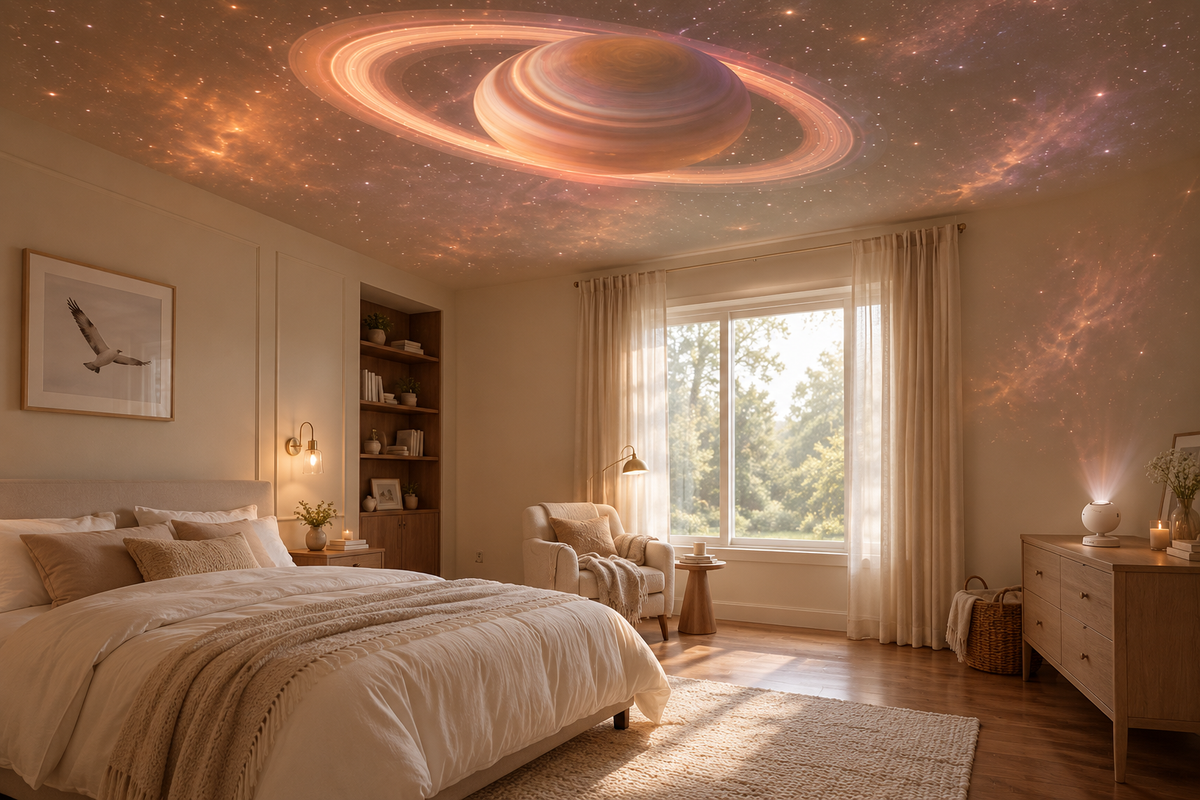
That is where a galaxy projector for kids can become surprisingly useful. It is not just a night light, and it does not have to be saved only for bedtime. Used creatively, a home planetarium projector can turn a bedroom, playroom, or quiet corner into the background for storytelling, drawing, reading, and imaginative play.
The key idea is simple: the projector does not replace play. It gives children a visual starting point for play. A soft galaxy scene can become a faraway planet. A starry ceiling can become the sky above a spaceship. A planet projection can become the setting for a story a child invents on the spot.
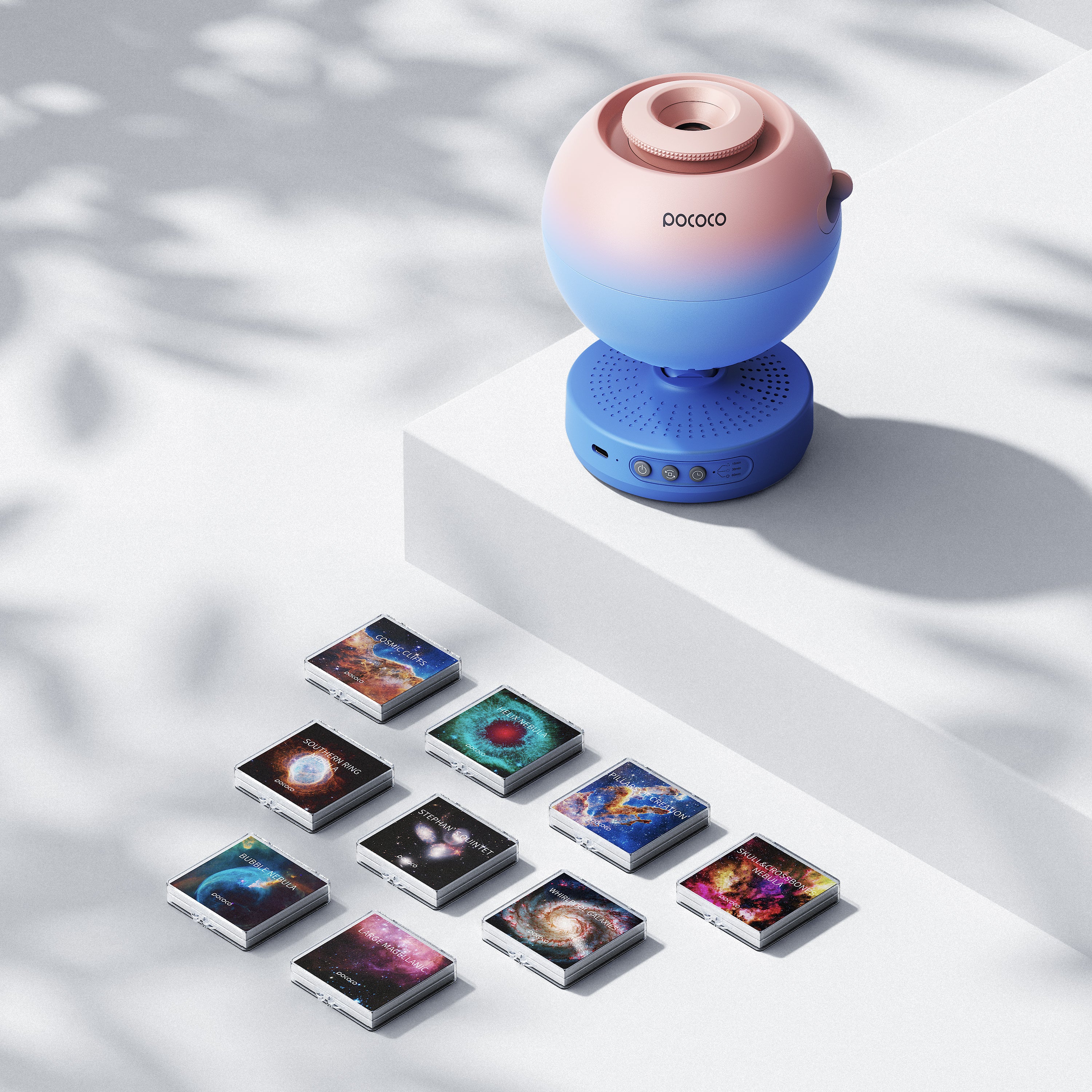
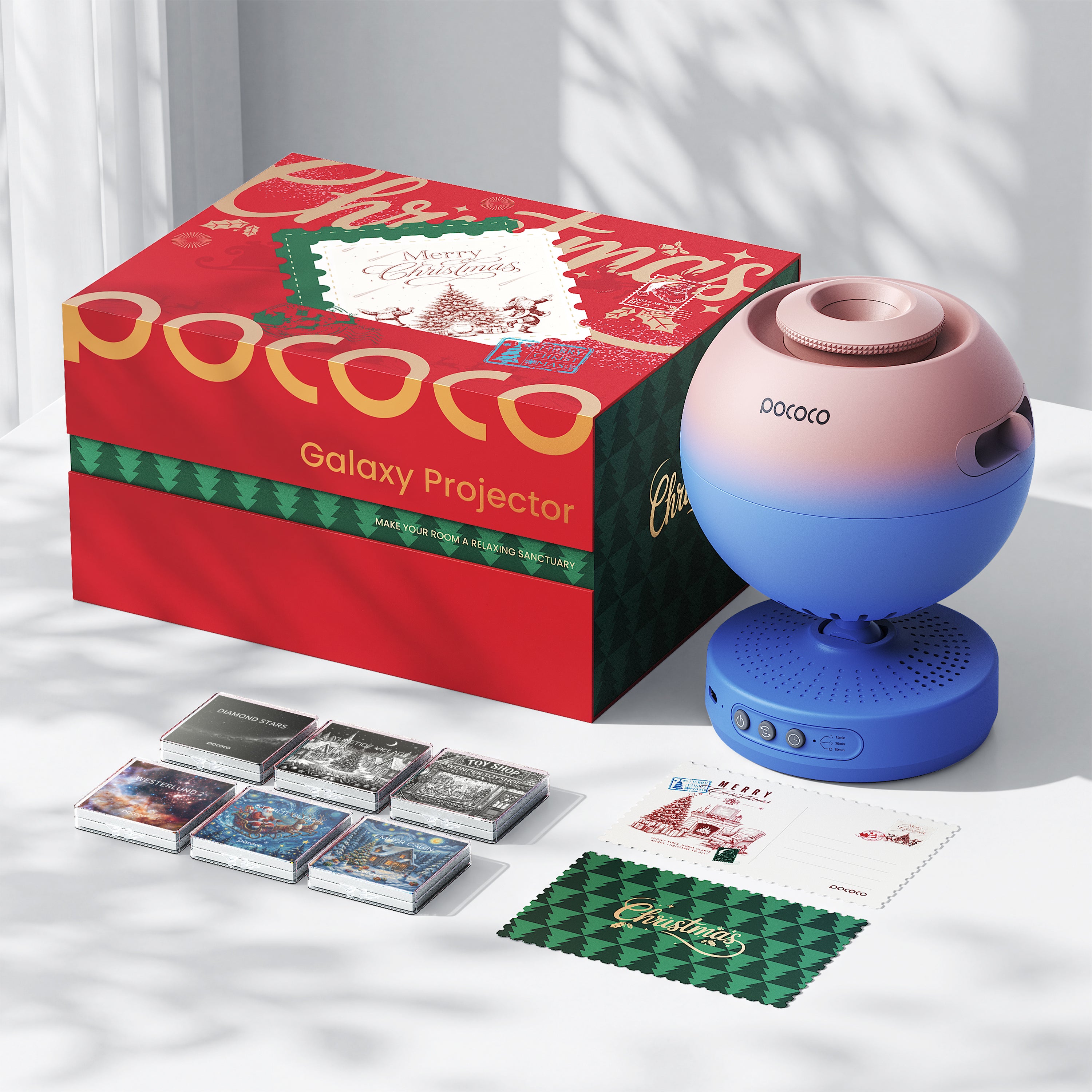
The POCOCO Galaxy Projector is especially useful for this type of activity because it can support different moods, from playful storytelling to quieter bedtime reading.
Table of Contents
- What Can You Do With a Galaxy Projector for Kids?
- How to Set Up a Home Planetarium Projector for Kids
- 5 Galaxy Projector Activities for Kids
- Recommended Projector Settings for Different Activities
- How to Keep Screen-Free Play Comfortable
- Why a Home Planetarium Projector Can Become Part of Family Time
- FAQ
What Can You Do With a Galaxy Projector for Kids?
A galaxy projector can support many different kinds of indoor activities for kids. It can become a background for storytelling, pretend play, drawing, reading, quiet play, bedtime stories, and parent-child activities.
Instead of handing a child a screen and choosing the story for them, the projector gives them a setting and lets them decide what happens next. The room becomes the stage, and the child becomes the storyteller.
For younger children, the projection can make simple pretend play feel bigger. A blanket can become a spaceship. A pillow can become a moon base. A stuffed animal can become the first creature discovered on a new planet.
For older kids, the same setup can become a creative prompt. They can invent a planet, draw a galaxy map, write a short story, or create a mission for the family to solve together.
If you are still comparing options, our guide to star projectors for kids can help you understand what to look for when choosing a projector for a child’s room.
How to Set Up a Home Planetarium Projector for Kids
A good setup does not need to be complicated. The goal is to make the projector easy to use, comfortable for the child, and suitable for the activity you have in mind.
- Place the projector on a stable surface. A bedside table, shelf, or small desk usually works well. Make sure it cannot be easily bumped during play.
- Choose a wall or ceiling as the projection area. A clear surface gives the scene more impact and helps kids focus on the story.
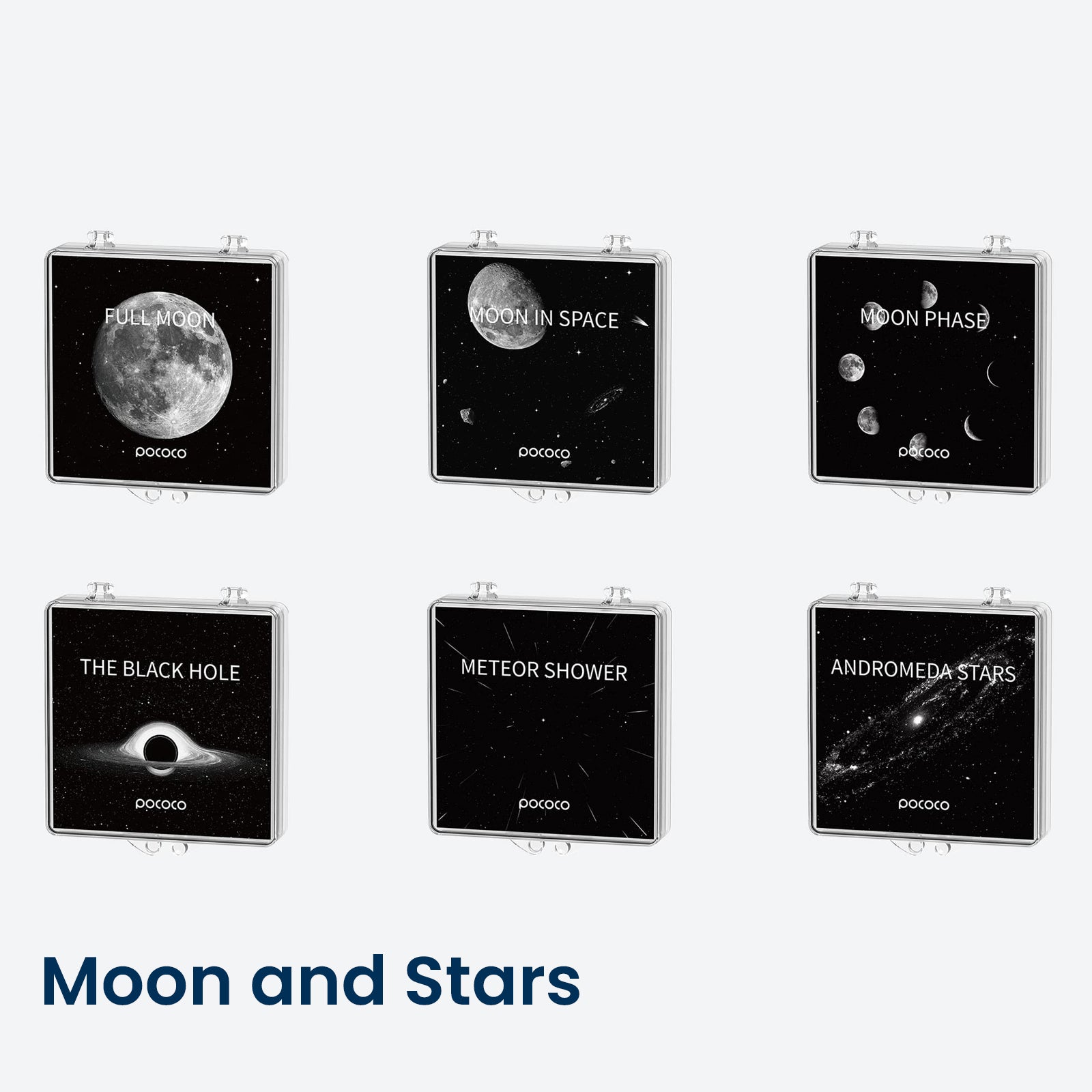
- Select the projection disc based on the activity. A vivid galaxy scene can work well for adventure stories, while a softer star scene may be better for bedtime storytelling.
- Adjust the focus. A sharper image works well for drawing, reading, or planet-themed activities. A slightly softer image can feel gentler for quiet play.
- Set the brightness for comfort. Start lower than you think you need, then increase it if the scene feels too dim.
- Use slow rotation or no rotation for storytime. Too much movement can distract from the story, especially for younger children.
- Use the timer for nighttime activities. A timer gives the activity a clear ending and helps keep the routine simple.
The POCOCO Galaxy Projector can be used as a visual background for storytime, drawing, reading, and imaginative play. For a more detailed setup guide, read our article on how to use a POCOCO Galaxy Projector, including projector placement and settings.
5 Galaxy Projector Activities for Kids
These galaxy projector activities for kids are designed to be simple. You do not need special supplies, a long preparation list, or a perfect room. Start with the projector, choose a scene, and let the activity grow from there.
1. Create a Space Adventure
Turn on a vivid galaxy scene and ask your child to choose where the spaceship is going. Is it flying to a moon made of ice? A planet with two suns? A space station full of lost robots?
Then build the story with a few prompts:
- Where is the spaceship going?
- Who lives there?
- What problem does the crew need to solve?
- What tools do they have?
- How does the mission end?
This is one of the easiest storytelling activities for kids because the projection gives the story an instant setting. Children can sit, move around, act out characters, or simply tell the story out loud.
2. Invent a New Planet
A home planetarium projector can turn the ceiling into a starting point for world-building. Ask your child to invent a planet inspired by the projection.
They can decide:
- The planet’s name
- The color of the sky
- Who or what lives there
- What the weather is like
- What rules are different from Earth
- What story happens there
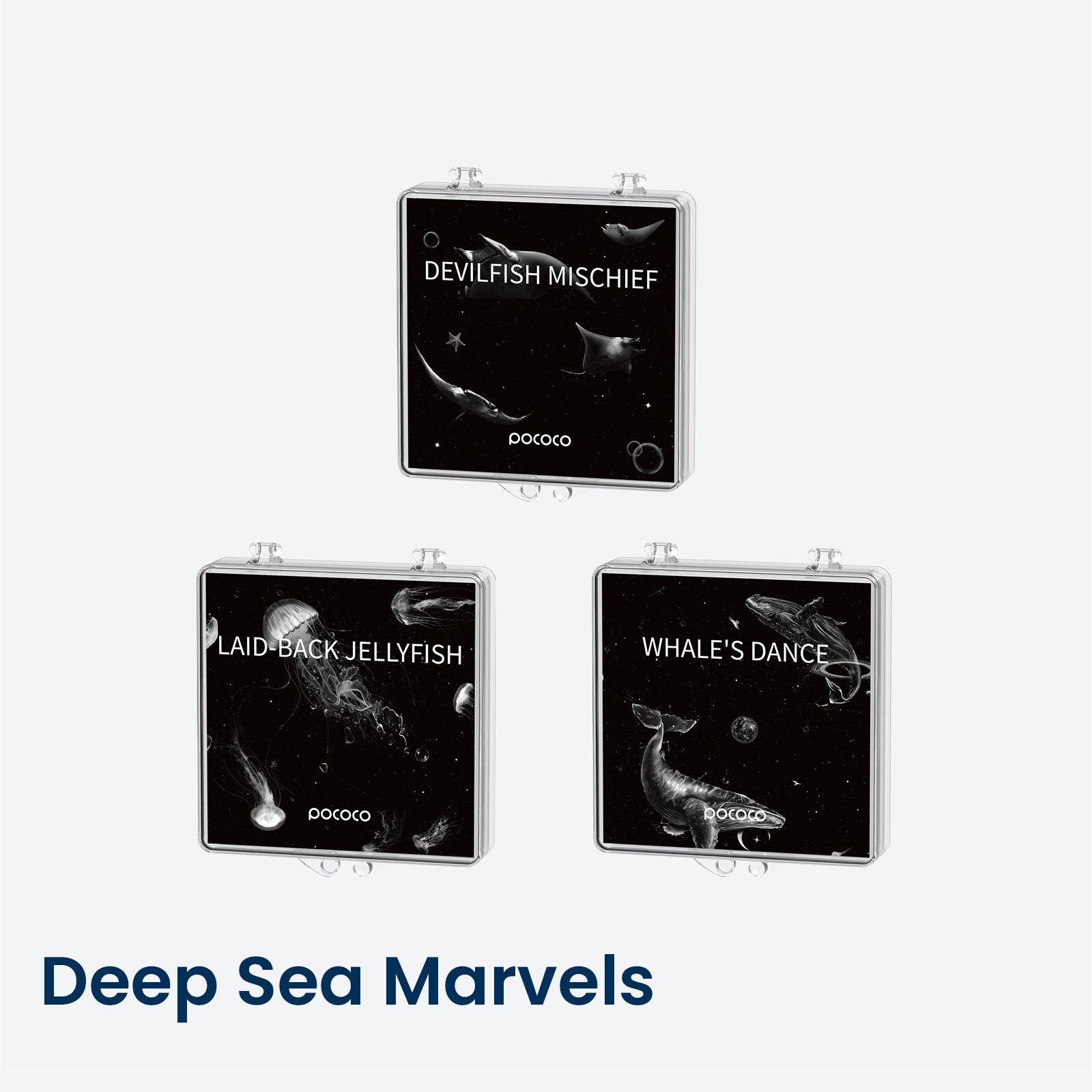
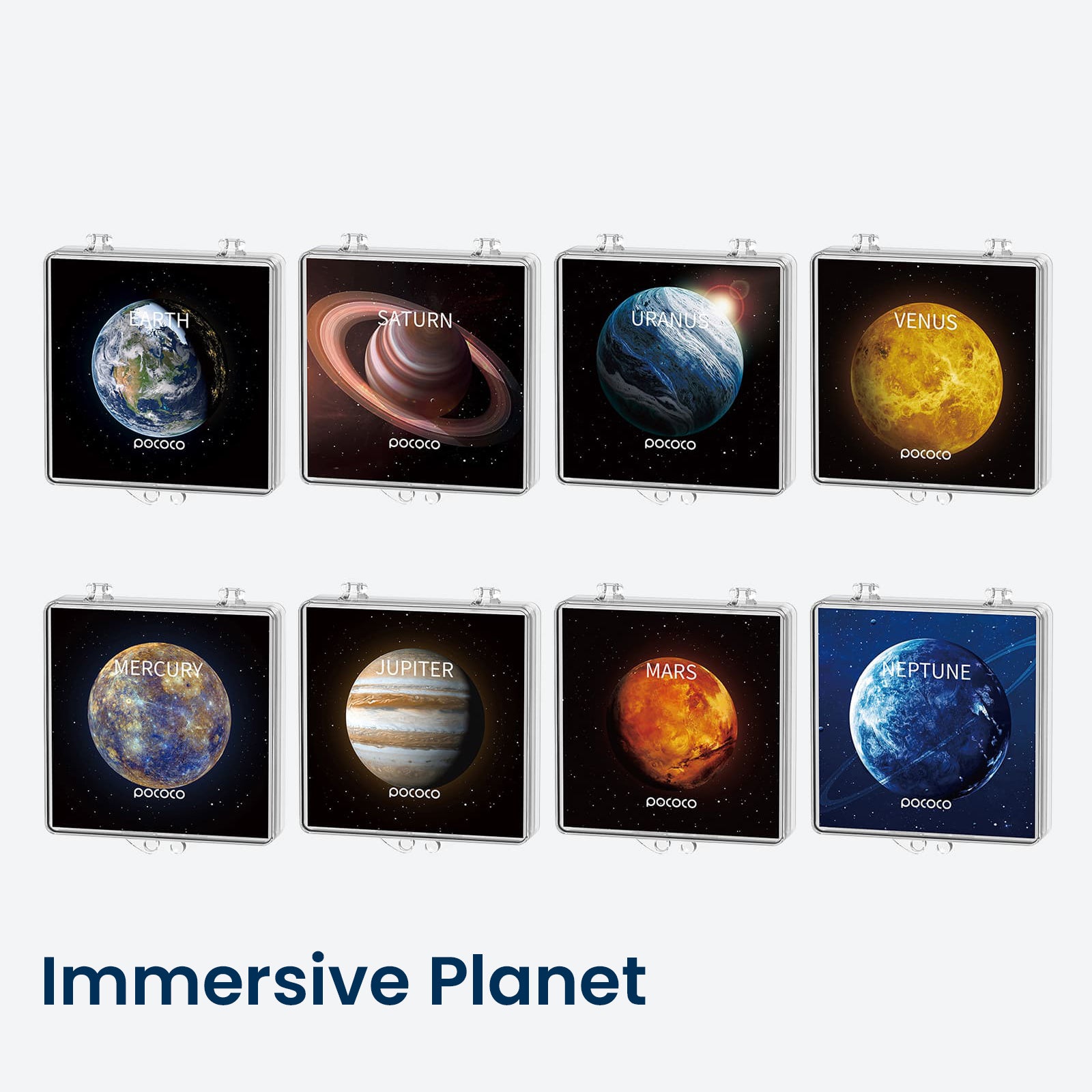
A POCOCO planetarium projector setup can make this activity feel more immersive, especially when paired with planet-themed scenes. The activity can stay verbal, or kids can draw the planet afterward.
3. Turn Bedtime Storytelling Into a Visual Adventure
Bedtime storytelling does not need to be complicated. Choose a soft star scene, lower the brightness, and use slow rotation or no rotation. Then begin a familiar book or a made-up story.
You can invite your child to choose where the story begins. Maybe the characters are traveling under the stars, landing on a quiet planet, or looking for a hidden constellation.
The projector should support the story, not take over the routine. At the end, turn off the projection or use the timer so the activity has a clear finish.
For more ideas about creating a calmer evening rhythm, read our guide to bedtime routine ideas for school nights.
4. Parent-and-Child Story Circle
This activity works well when you want something interactive but low-prep. One person begins with a single sentence. The next person adds another sentence. Keep going until the story reaches an ending.
For example:
“One night, the stars above the bedroom began moving in a pattern no one had ever seen before.”
Then your child continues. You can take turns adding characters, obstacles, silly details, and surprises. The projection gives everyone something to look at while the story unfolds.
This turns the POCOCO Galaxy Projector into more than a visual product. It becomes part of a shared family ritual, especially when repeated on weekends, rainy days, or quiet evenings at home.
5. Draw the World You Imagine
For kids who enjoy art, a galaxy projection can become a drawing prompt. Turn on a clear galaxy scene, place paper and crayons or colored pencils nearby, and ask your child to draw what they imagine inside the projection.
They might draw a spaceship, a planet, a character, a map, or an alien city. Afterward, ask them to name the drawing and tell the story behind it.
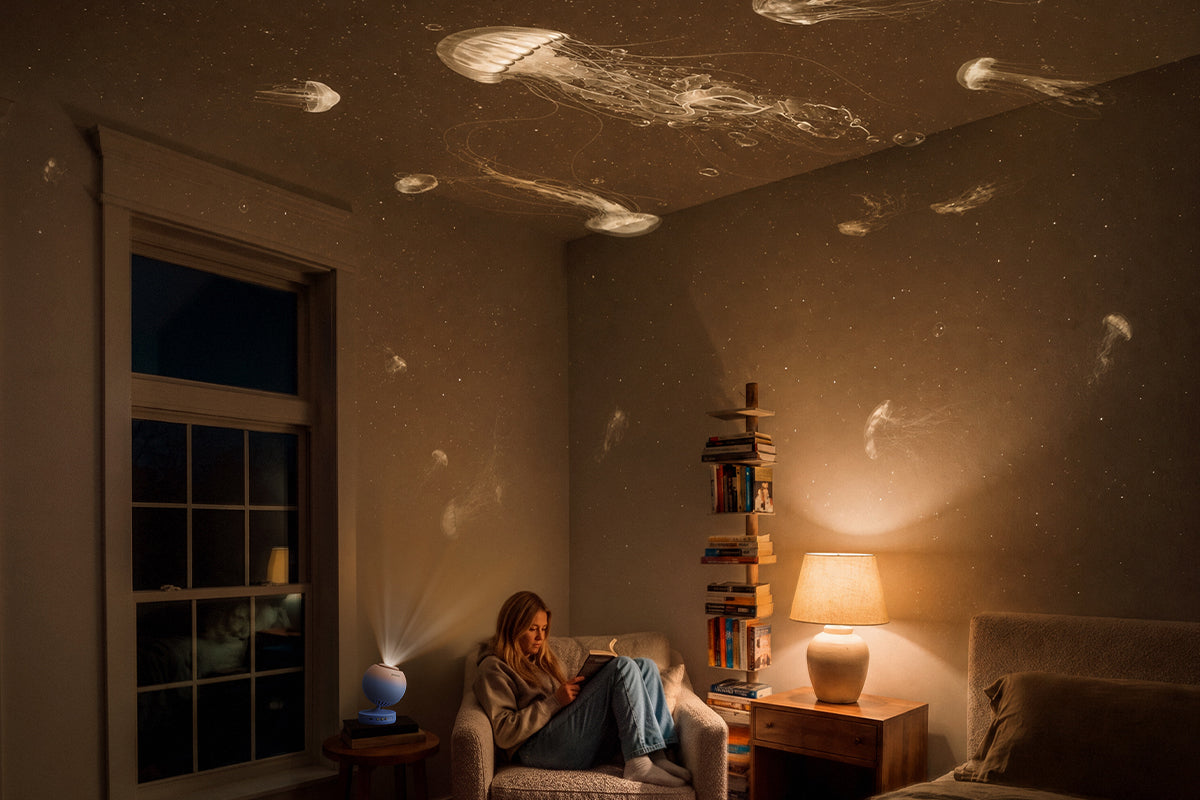
This is a simple form of screen-free play that works well as a quiet indoor activity for kids. It keeps the child active and creative instead of asking them to only watch the projection.
Recommended Projector Settings for Different Activities
The same projector can feel very different depending on how you adjust the scene, brightness, rotation, and timer. Use the chart below as a simple starting point.
| Activity | Disc / Scene | Brightness | Rotation | Timer |
|---|---|---|---|---|
| Space storytelling | Vivid galaxy scene | Medium | Slow | Optional |
| Bedtime storytelling | Soft star scene | Low | Slow or off | Recommended |
| Drawing | Clear galaxy scene | Medium | Off | Optional |
| Quiet play | Gentle colorful scene | Low to medium | Slow | Optional |
| Reading | Balanced star scene | Low to medium | Off or slow | Recommended |
These galaxy projector settings are flexible. Some children prefer brighter scenes, while others feel more comfortable with a softer setup. Start with a simple setting and adjust based on your child’s response.
How to Keep Screen-Free Play Comfortable
A projector can make screen-free activities for kids feel more immersive, but comfort still matters. The goal is not to create the brightest or busiest room possible. The goal is to create a setting that supports play, connection, and imagination.
- Avoid overly bright light, especially in the evening.
- Use slow rotation or no rotation if movement feels distracting.
- Choose softer scenes for bedtime storytelling.
- Do not let children stare directly into the light source.
- Keep the activity focused on storytelling, drawing, reading, or interaction rather than only watching the projection.
- Let your child help choose the story direction.
- Keep props simple: paper, crayons, books, blankets, or stuffed animals are enough.
Every child responds to visual stimulation differently. Start with a simple, low-intensity setting and adjust based on your child’s comfort.
Why a Home Planetarium Projector Can Become Part of Family Time
A home planetarium projector is useful because it can support more than one kind of activity. It can be used for storytime, drawing, reading, pretend play, quiet afternoons, rainy days, and bedtime storytelling.
That flexibility matters for families. Instead of buying a toy that only does one thing, parents can use the same projector in different ways as children grow and their interests change.
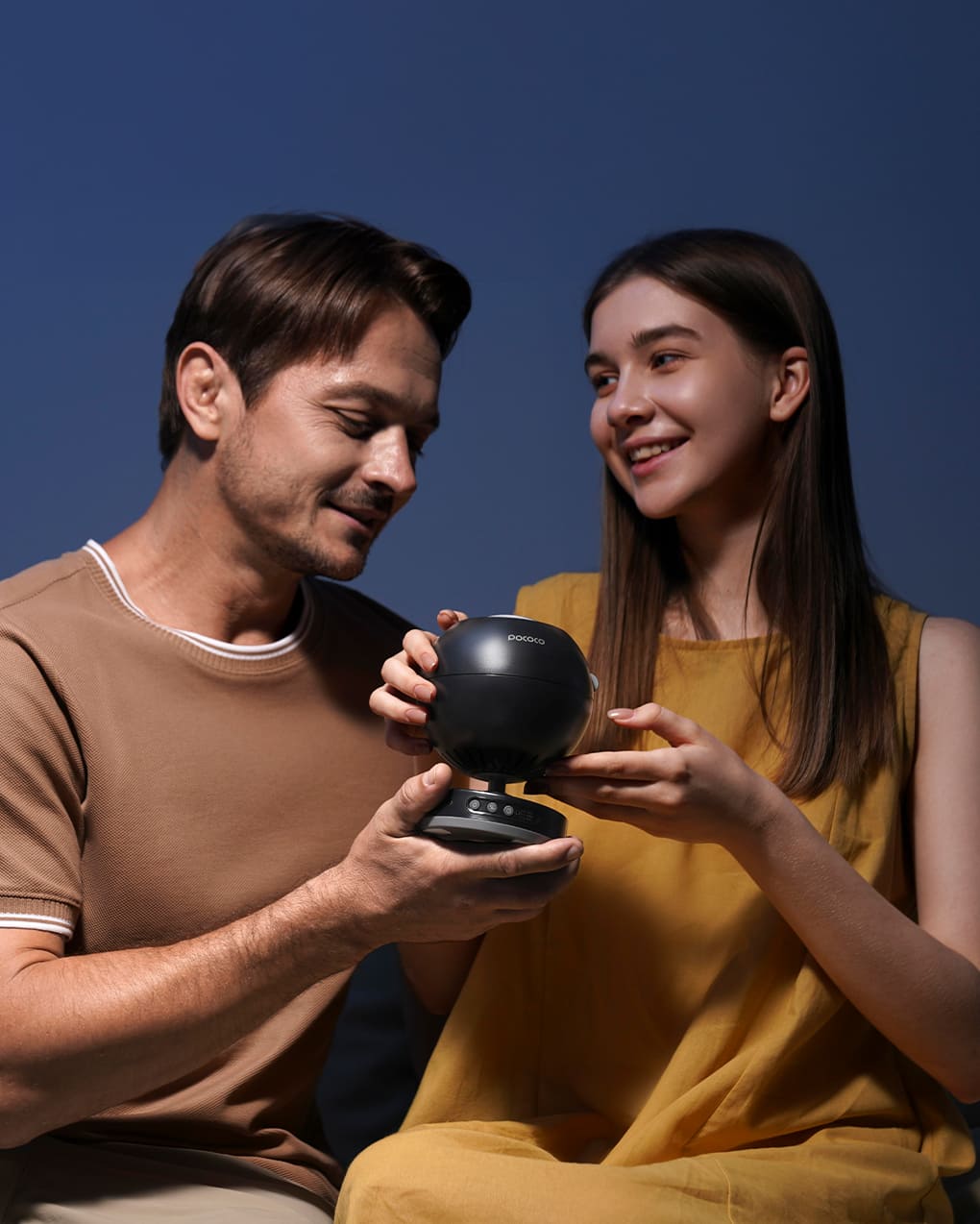
The POCOCO Galaxy Projector also gives families a way to create a shared ritual without relying on a phone or tablet. One night it can be a space adventure. Another night it can be a drawing prompt. On a quieter evening, it can simply become the background for reading together.
This is what makes a galaxy projector for kids different from a simple bedroom light. It does not just decorate the room. It helps create a setting where stories, imagination, and family time can happen more naturally.
Explore the POCOCO Galaxy Projector →
When used thoughtfully, a projector becomes more than a light. It becomes an invitation: to imagine a new planet, tell a story together, draw what you see, or spend a few screen-free minutes in a room that feels a little more magical.
If you are wondering how to use a galaxy projector for kids, start small. Choose one scene, one activity, and one simple routine. The rest can grow from your child’s imagination.
FAQ
What can kids do with a galaxy projector?
Kids can use a galaxy projector as a background for storytelling, imaginative play, drawing, reading, and quiet indoor activities. The projection creates a visual setting, while the main activity comes from the child’s imagination.
Is a galaxy projector good for screen-free activities?
Yes. A galaxy projector can support screen-free play by creating an immersive setting for stories, drawing, reading, or parent-child interaction. It works best when children are actively creating, talking, or playing rather than only watching the projection.
How do you use a home planetarium projector for kids?
Place it on a stable surface, choose a suitable projection scene, adjust the focus and brightness, and use slow rotation or a timer depending on the activity. For storytime, softer scenes and slower movement usually work best.
Can a galaxy projector be used for bedtime storytelling?
Yes. Choose a soft scene, use low brightness, and select slow or no rotation to create a gentle storytime environment. The projector can become part of a predictable bedtime routine, but it should support the story rather than replace it.
What is the best home planetarium projector for kids?
The right choice depends on room size, brightness control, timer settings, projection scenes, and how the projector will be used. A model such as the POCOCO Galaxy Projector can support storytelling, reading, quiet play, and imaginative screen-free activities at home.

Commenta
Nota che i commenti devono essere approvati prima di essere pubblicati.
Questo sito è protetto da hCaptcha e applica le Norme sulla privacy e i Termini di servizio di hCaptcha.