

Key Takeaways
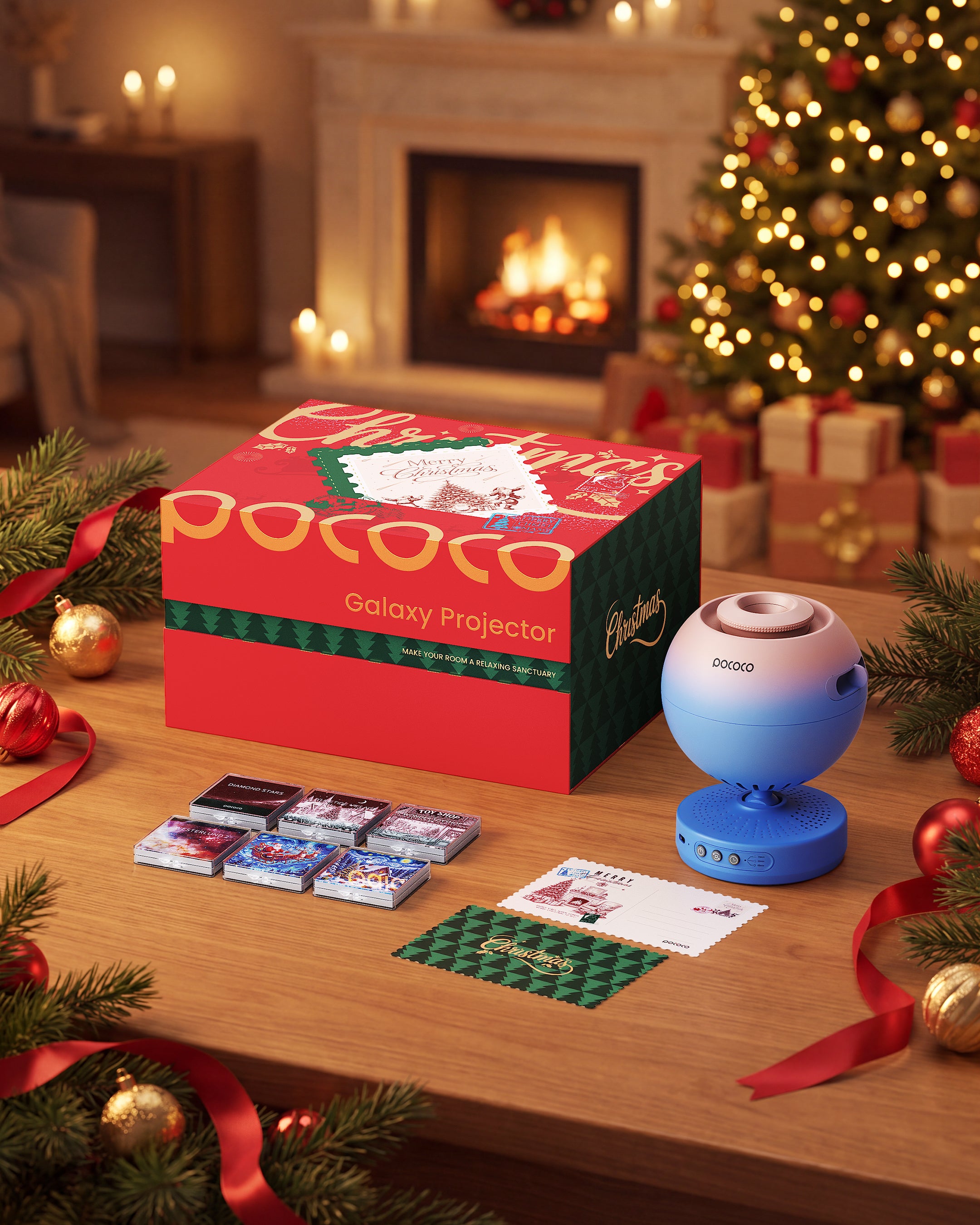
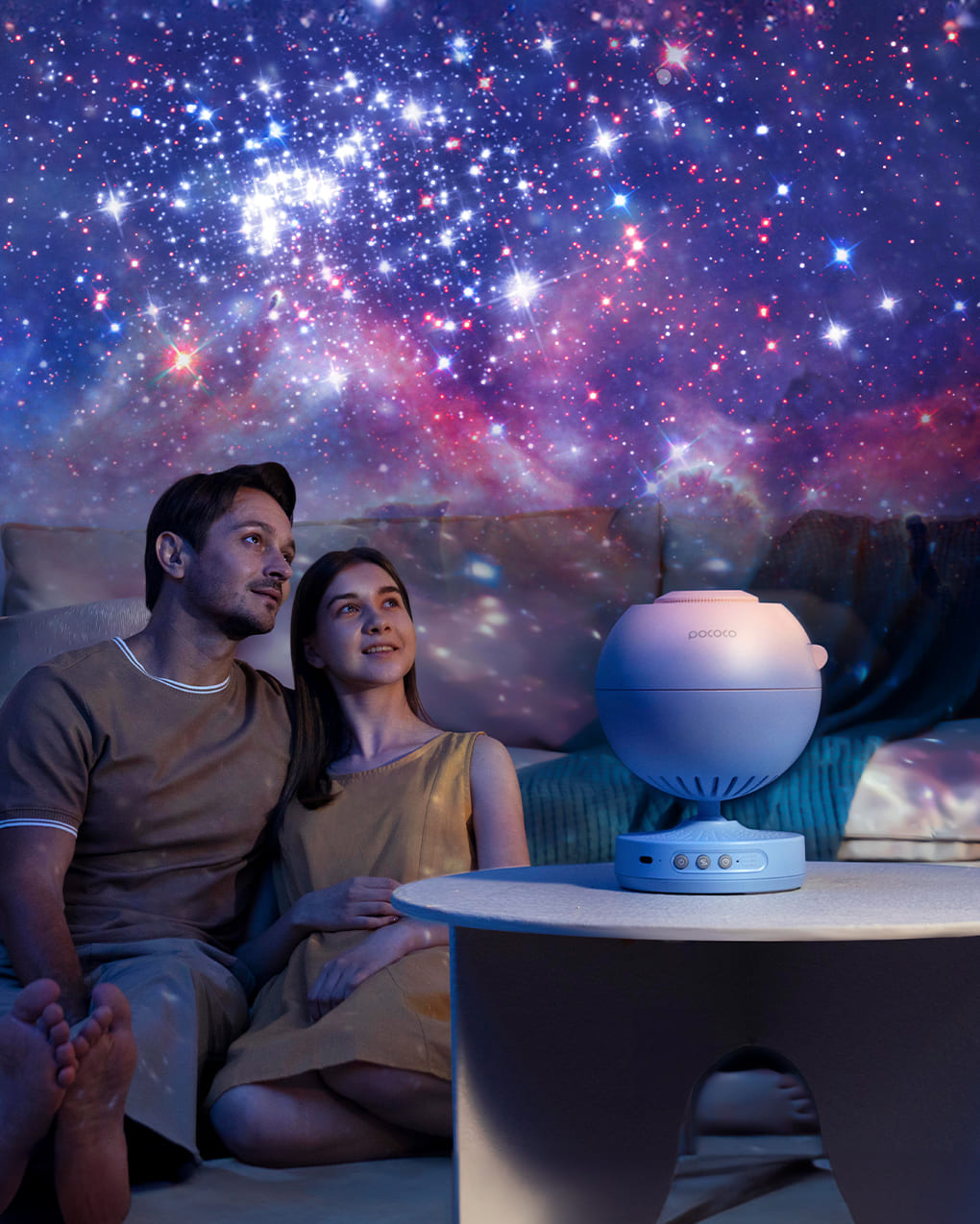
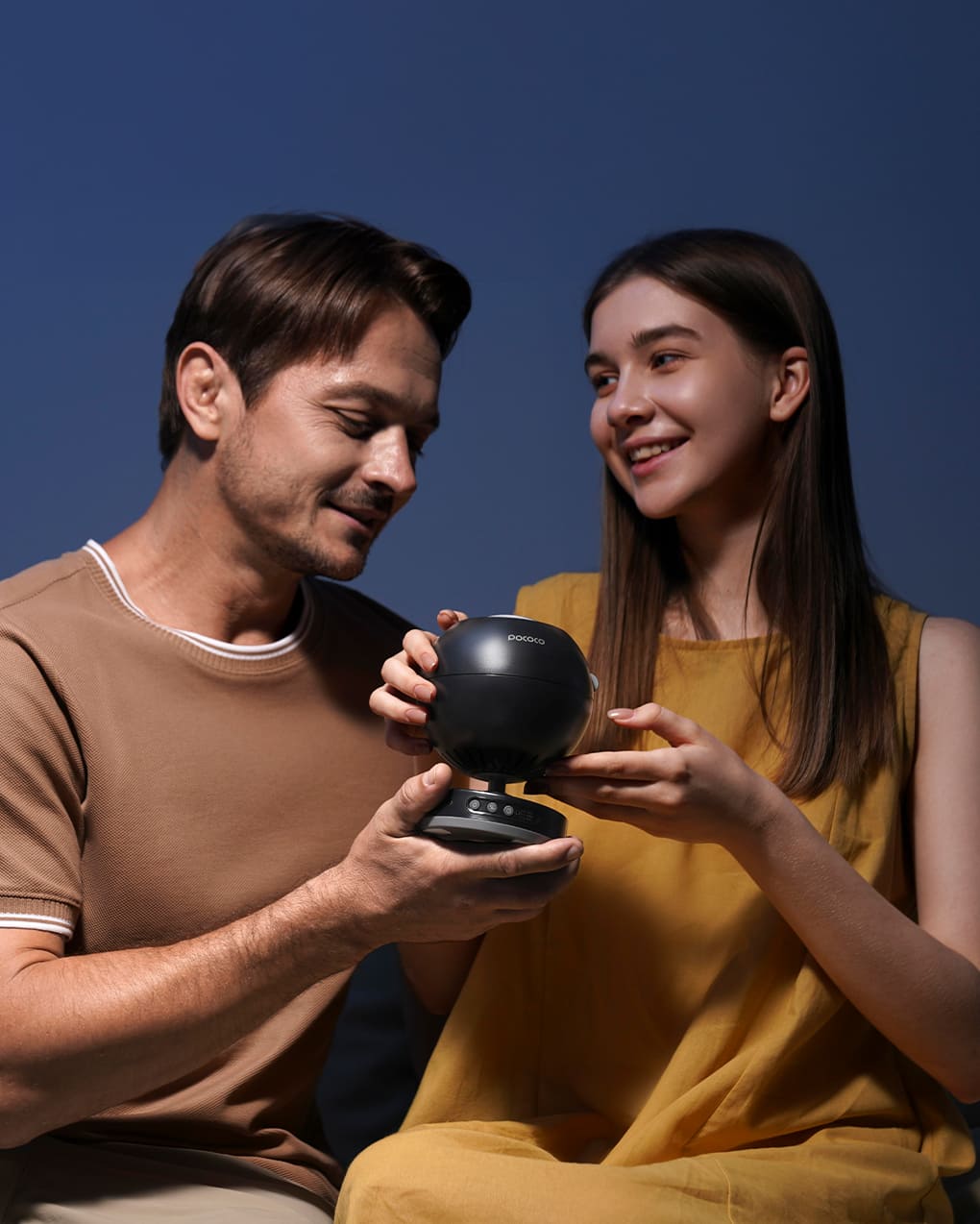
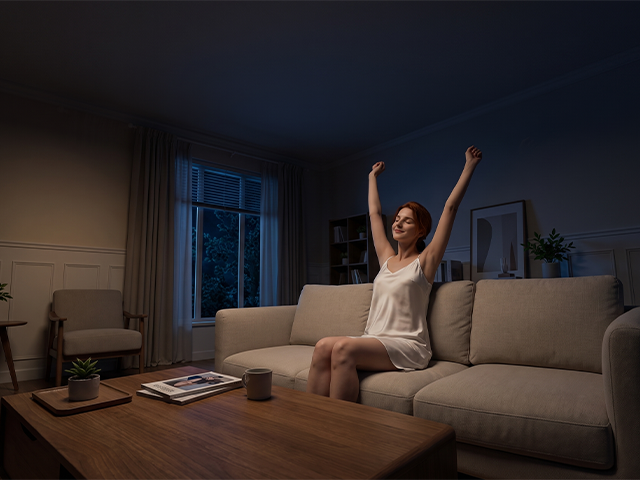
A POCOCO Galaxy Projector can do more than light up a bedroom. With the right disc, placement, focus, brightness, and timer settings, it can create a calmer space for bedtime, reading, relaxation, and storytelling.
The best setup depends on the mood you want to create. Softer visuals and lower brightness work well for winding down, while brighter scenes and gentle movement can make storytime or imaginative play more engaging.
Small adjustments can make a significant difference. Moving the projector slightly, fine-tuning the focus, or changing the rotation speed can help create a clearer and more comfortable projection.
This guide explains how to use a POCOCO Galaxy Projector and how to choose the right settings for different moments throughout the day.
Table of Contents
- 1. Choose the Right Projection Disc
- 2. Place the Projector in the Right Spot
- 3. Adjust the Focus
- 4. Set the Brightness
- 5. Choose Rotation and Timer Settings
- 6. Recommended Settings by Scene
- A Few Final Tips
1. Choose the Right Projection Disc
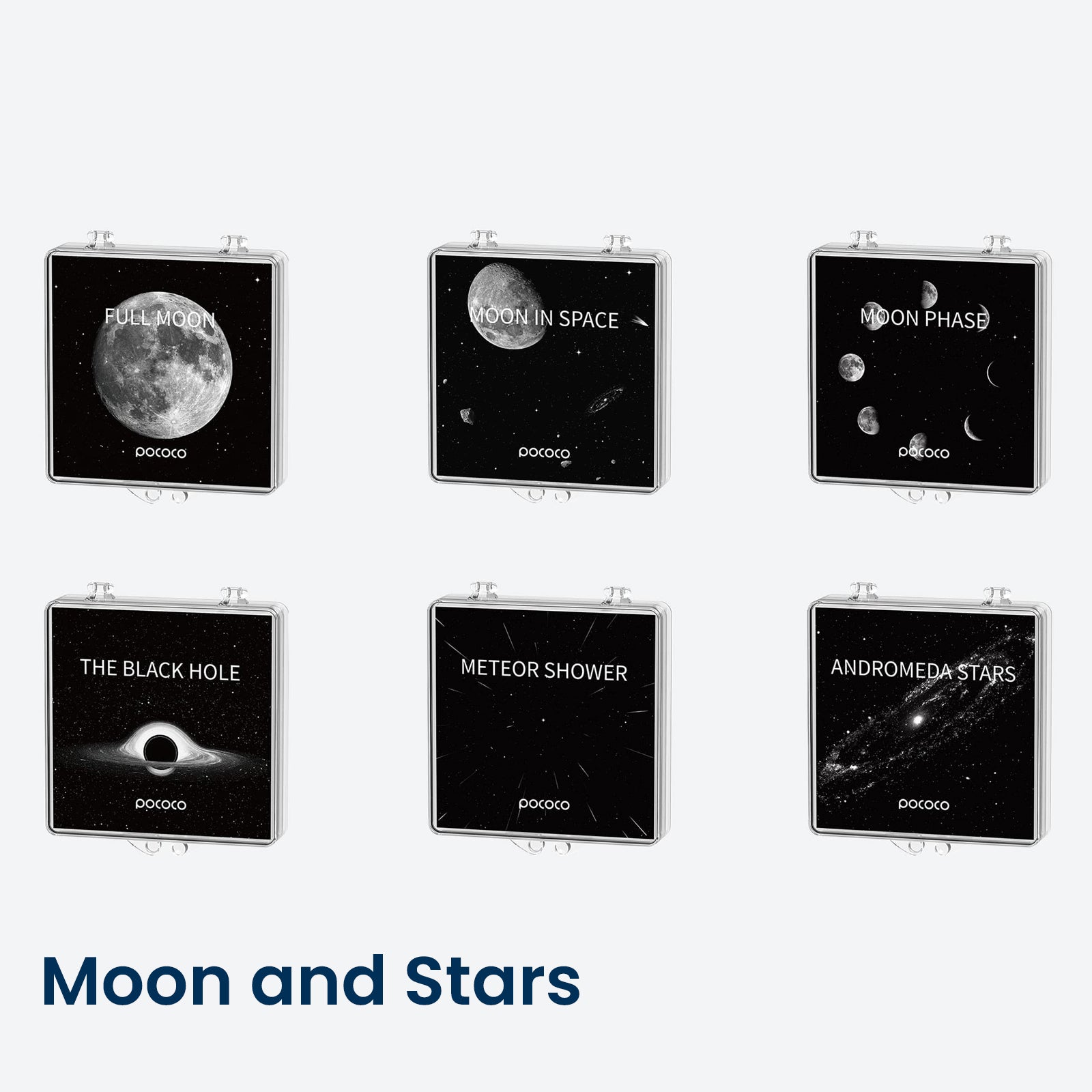
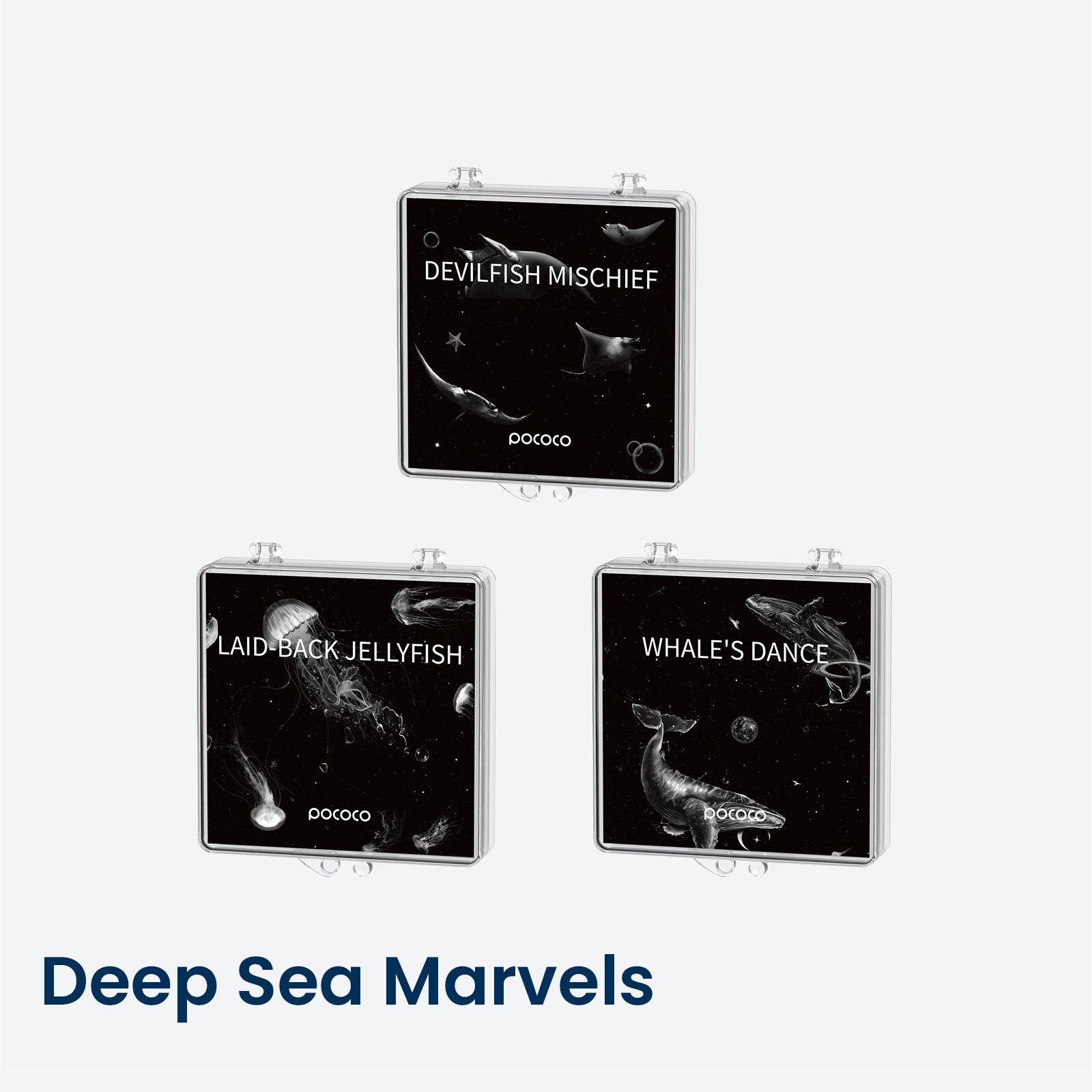
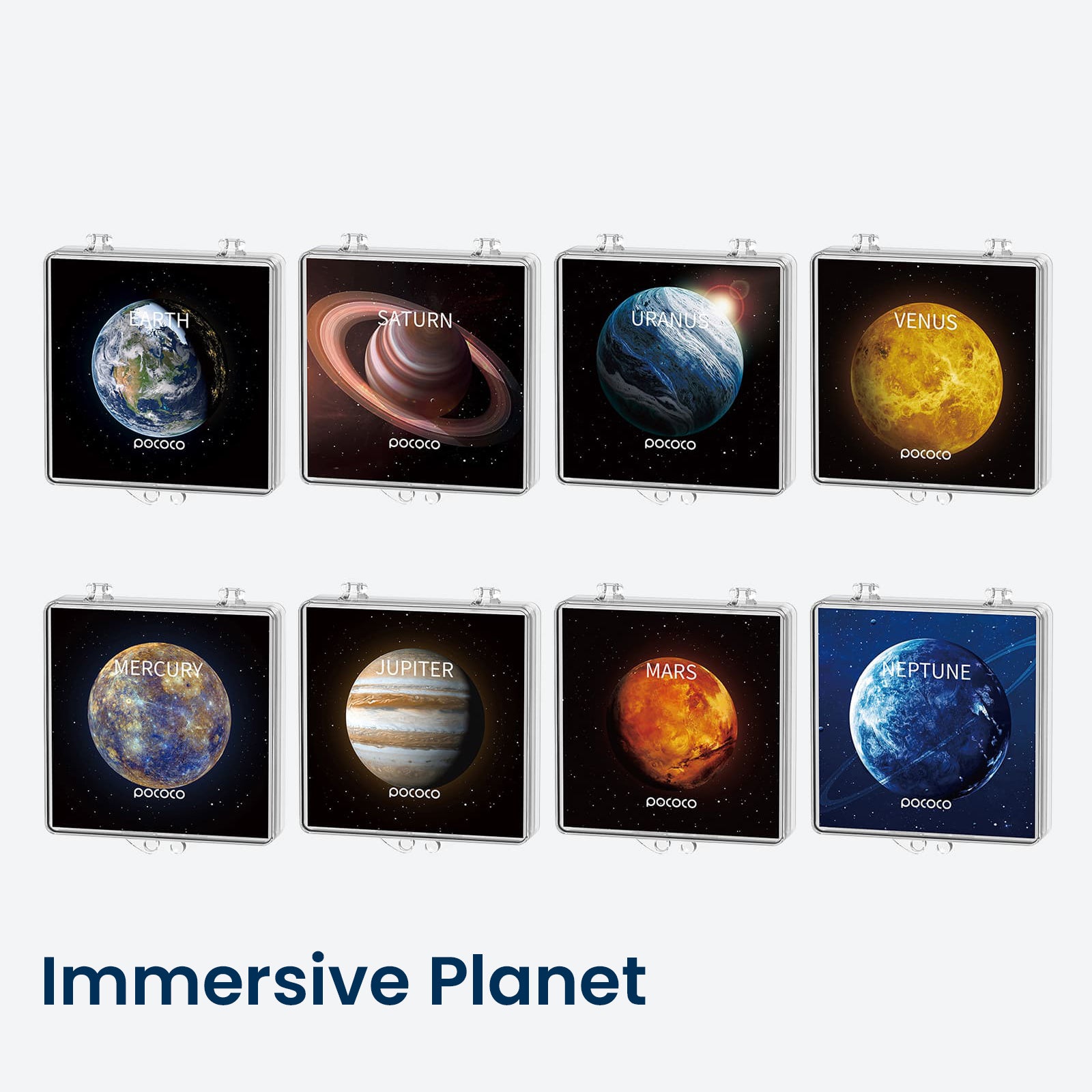
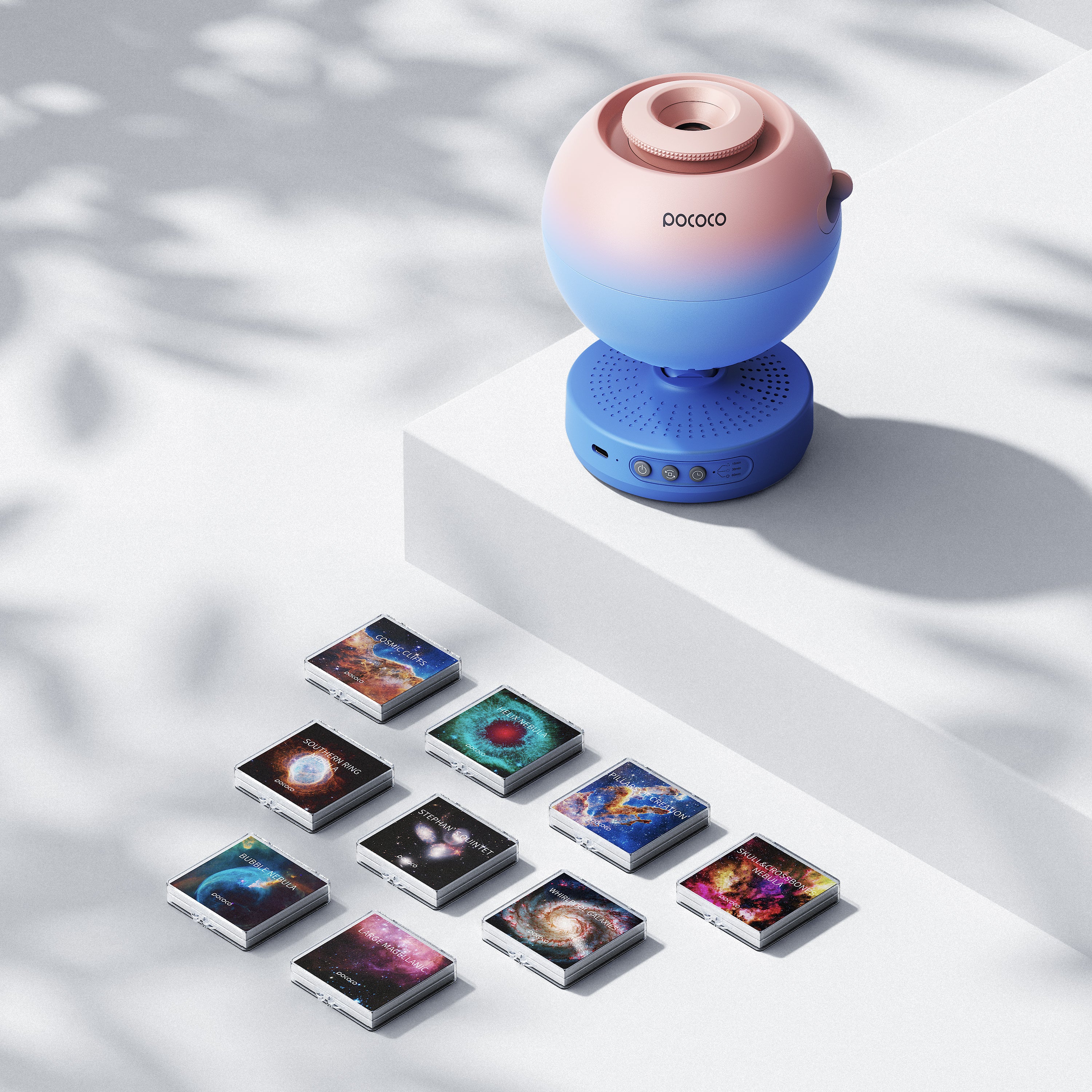
Different projection discs create different moods. Some scenes feel realistic and detailed, while others are softer, brighter, or more playful. Choosing the right disc is one of the easiest ways to shape the atmosphere of a room.
For bedtime, choose a disc with a softer and more spacious visual effect. Gentle star fields or calm space scenes can help the room feel quieter and more comfortable.
For children’s storytelling or imaginative play, a brighter or more distinctive scene may work better. A vivid projection can turn an ordinary bedroom into a spaceship, observatory, or imaginary planet.
For reading and quiet relaxation, choose a balanced scene that is visually interesting without appearing too busy. The projection should complement the moment rather than compete with the book, conversation, or activity.
A simple rule is useful: the more active the room is supposed to feel, the more vivid the disc can be. The quieter the moment, the softer the disc should be.
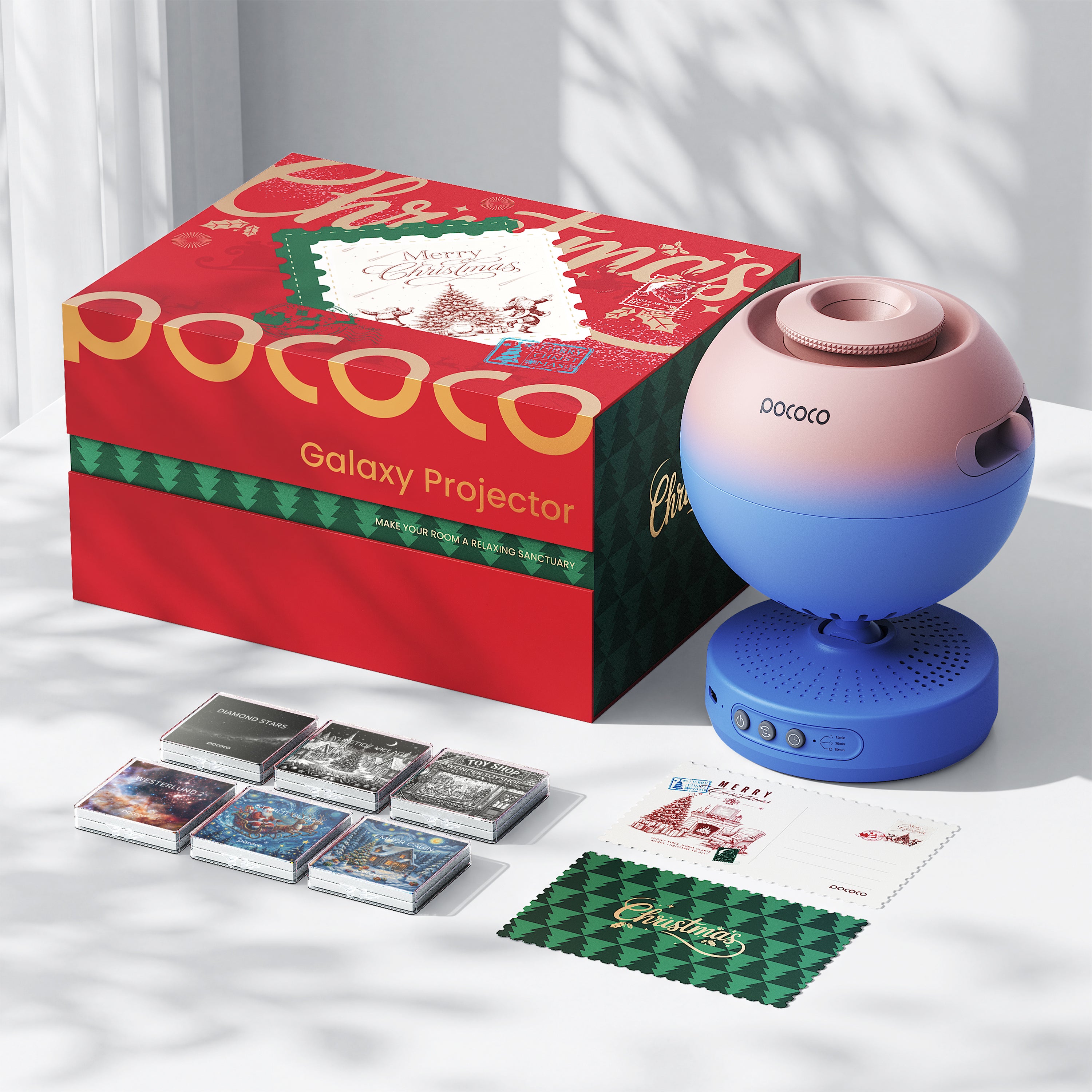
With the POCOCO Galaxy Projector, interchangeable discs make it easy to change the atmosphere without replacing the entire projector.
2. Place the Projector in the Right Spot
Placement has a bigger effect than many people expect. Even a high-quality disc may look uneven if the projector is placed too close, too far, too high, or too low.
For a balanced projection, POCOCO recommends an area of approximately 7–16 square meters, a ceiling height of 2.3–3 meters, and a table height of around 0.6–0.7 meters. This range helps the image spread across the room without becoming too small or distorted.
Place the projector on a stable, flat surface such as a bedside table, shelf, or small desk. Make sure the surface is strong enough to support the projector and that the device will not be easily bumped.
Keep the projection path clear. Furniture, curtains, shelves, or large decorations can interrupt the image and make the scene appear uneven. A simple wall or ceiling usually creates the cleanest result.
If the image looks too small, move the projector slightly farther away from the wall or ceiling. If the projection looks too faded or spread out, move it a little closer. Small changes in distance can make a surprisingly large difference.
3. Adjust the Focus
Focus is what makes the projection look crisp instead of blurry. If stars, constellations, or other details do not appear clear, begin by checking the focus ring or focus adjustment.
Turn the focus slowly until the edges of the projected image look sharp. Take your time with this step. Even a small adjustment can improve the overall clarity and make the scene feel more immersive.
A sharper focus works especially well when you want to see details, such as during storytime, astronomy activities, or a visually rich room setup.
A slightly softer focus may feel more relaxed during bedtime. Instead of making the projection the main feature of the room, the softer image allows the light to blend gently into the surrounding space.
It can be helpful to adjust the focus after changing the projector’s distance. Moving the device may change the size of the image, so the focus may need a small additional adjustment.
4. Set the Brightness
Brightness changes the emotional tone of the room. If the projection is too bright, it may feel stimulating. If it is too dim, the image may disappear into the background.
For bedtime, begin with the lowest comfortable brightness. The goal is not to fully light the room, but to create a gentle visual cue that the day is slowing down.
For reading, you may want a slightly brighter setting so the projection remains visible without feeling harsh. Remember that the projector should not replace a proper reading light.
For relaxation, a low or medium brightness setting often works well. This allows the scene to remain visible while keeping the room calm.
When using the projector in a child’s bedroom, start with a lower brightness than you think you need. You can always increase it gradually if the projection feels too subtle.
The ideal setting may also change depending on the time of day. A brighter scene may work during afternoon play, while a softer setting may be more comfortable in the evening.
5. Choose Rotation and Timer Settings
Rotation adds movement to the projection, but movement is not always the right choice. Some moments feel better with a still image, while others benefit from slow and gentle motion.
For bedtime, slow rotation or no rotation is usually the calmest option. A still projection can feel more predictable, while slow movement can create a peaceful transition before sleep.
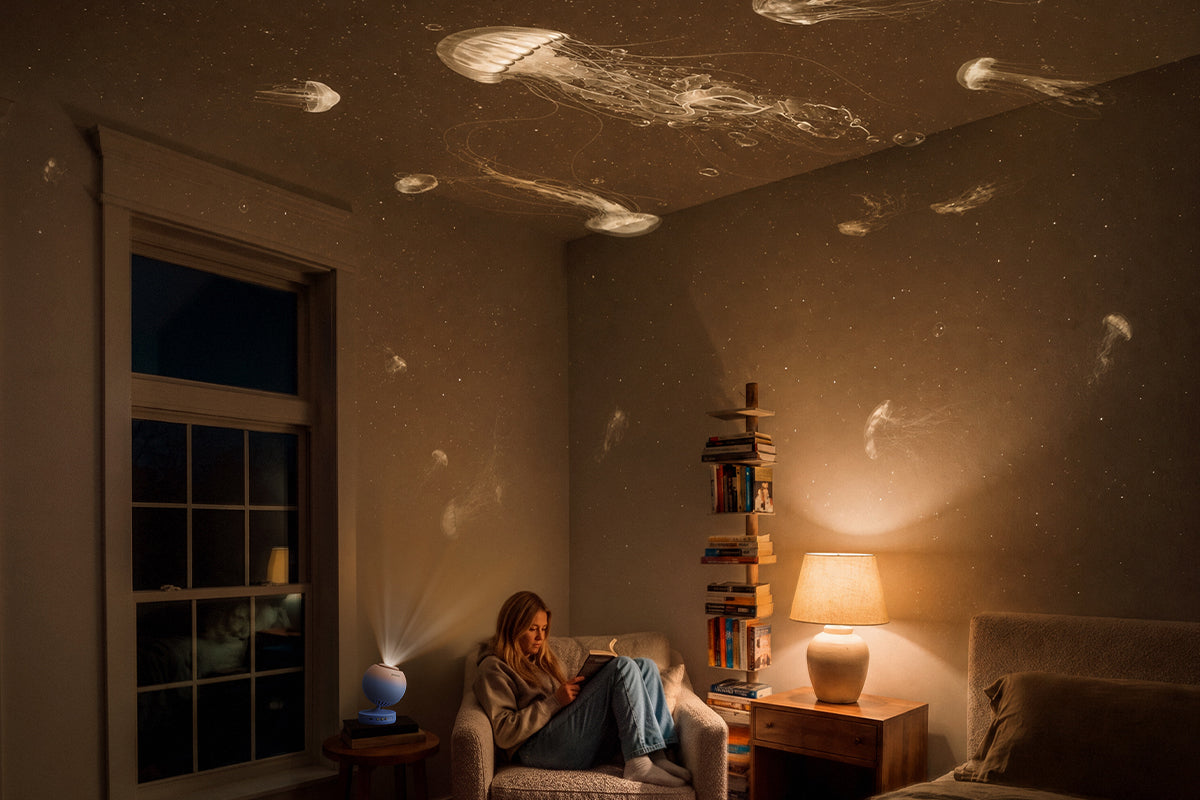
For relaxation, gentle rotation can make the room feel more immersive. It works well for quiet time, journaling, stretching, or simply taking a pause at the end of the day.
For children’s storytelling, a little movement can make the scene feel more magical. A slowly changing space background may help children become more engaged with the story without overwhelming the room.
The timer is especially useful at night. It creates a natural endpoint and helps prevent the projector from staying on longer than necessary.
For a sleep routine, set the timer so the projector turns off after your child has had enough time to settle. This allows the light to become part of the wind-down process without needing to remain on throughout the entire night.
6. Recommended Settings by Scene
Bedtime
Recommended setup:
- Soft projection disc
- Low brightness
- Slow rotation or no rotation
- Timer on
This is the best setup for winding down. Keep the visuals gentle, predictable, and comfortable. A familiar disc and consistent timer setting can gradually become part of the evening routine.
Reading
Recommended setup:
- Clear and balanced projection disc
- Medium brightness
- Slow rotation or still projection
- Timer optional
This setup keeps the bedroom atmosphere interesting while allowing the child to focus on reading. Place the projector where it will not shine directly into the reader’s eyes or create distracting reflections.
Relaxation
Recommended setup:
- Balanced projection disc
- Low to medium brightness
- Slow rotation
- Timer optional
This combination works well for quiet time, journaling, stretching, listening to music, or taking a break after a busy day. A slower scene with gentle movement can make the room feel more immersive without becoming overly active.
Kids’ Storytelling
Recommended setup:
- More vivid projection disc
- Medium brightness
- Gentle rotation
- Timer on
This is the most playful setup. A more vivid projection can help create a special storytime ritual and turn the bedroom into a setting for adventures across the galaxy.
Children can choose a different disc for each story, giving them a simple way to participate in the activity and use their imagination.
A Few Final Tips
If you want the projection to look its best, keep the surrounding area simple. Too much visual clutter near the projector can distract from the effect and make the room feel less balanced.
A tidy surface, softer ambient lighting, and the right distance from the wall or ceiling can all help the projection appear cleaner and more immersive.
It is also helpful to think of the projector as part of a routine rather than just a decorative product. Over time, the same disc, brightness level, and timer setting can become a familiar signal that it is time to slow down.
For families who are still comparing different types of projectors, our guide to galaxy, star, and planetarium projector differences explains how each style works and which experience may suit different spaces.
If you are choosing a projector for a child’s bedroom, you can also explore our guide to the best star projector for kids before making a decision.
That is what makes a galaxy projector useful. It is not only the light itself, but also the feeling it helps create.
When used well, a POCOCO Galaxy Projector can turn an ordinary room into a calmer place to rest, read, tell stories, or simply enjoy a quieter moment.


Zostaw komentarz
Wszystkie komentarze są moderowane przed opublikowaniem.
Ta strona jest chroniona przez hCaptcha i obowiązują na niej Polityka prywatności i Warunki korzystania z usługi serwisu hCaptcha.